Introduction
Learning how to make picture flashcards on Anki integrates spaced repetition software with real-world visual stimuli to accelerate early cognitive development and spatial reasoning. According to the National Association for the Education of Young Children (NAEYC), purposeful exposure to concrete visual representations and structured photo-based tasks strongly supports young learners in developing critical observation skills, visual memory retention, and fine-motor proportion estimation. By combining digital flashcard systems with hands-on practice, educators and parents create a robust multimodal bridge connecting digital memory retention with tactile Educational Activities.
Visual Learning & Skill Snapshot:
- Core Focus: Step-by-step technical implementation of custom image-based flashcards within spaced repetition software.
- Target Skill: Spatial reasoning, visual discrimination, fine-motor proportion, and photo-based concept mastery.
- Key Recommendation: Pair digital image cards with physical Grid Drawing worksheets to reinforce proportional accuracy.
Core Principles and Visual Learning Overview
Understanding how to make picture flashcards on Anki begins with formatting high-resolution photography correctly for optimal digital retrieval and visual analysis. Spaced repetition relies on clear, uncluttered visual cues that target specific cognitive concepts without extraneous distractions. When preparing image files for flashcard decks, educators must ensure that subject proportions remain undistorted, lighting is balanced, and focal points align with early childhood visual processing capacities. Utilizing real Photo Flashcards inside digital decks transforms passive digital viewing into an active observation exercise, strengthening neurological pathways dedicated to visual memory and spatial orientation.
Key Specifications and Breakdown
| Age / Learning Stage | Visual Skill & Grid Ratio | Pedagogical Application & Scaffolding |
|---|---|---|
| Ages 4-5 (Early Foundation) | 1×1 to 2×2 Simple Grid | Focuses on basic shape recognition and matching whole objects using high-contrast photography. |
| Ages 6-7 (Developing Mastery) | 3×3 Moderate Proportion Grid | Emphasizes proportional estimation, quadrant isolation, and line-to-grid mapping accuracy. |
| Ages 8-10 (Advanced Integration) | 4×4 Complex Spatial Grid | Integrates detailed architectural or natural photography for precise coordinate drawing and memory recall. |
Systematic visual discrimination and spaced repetition improve long-term cognitive retention by reinforcing neural pathways through interleaved image-based prompts. — National Art Education Association (NAEA)
Step-by-Step Practical Application and Printing Guidelines
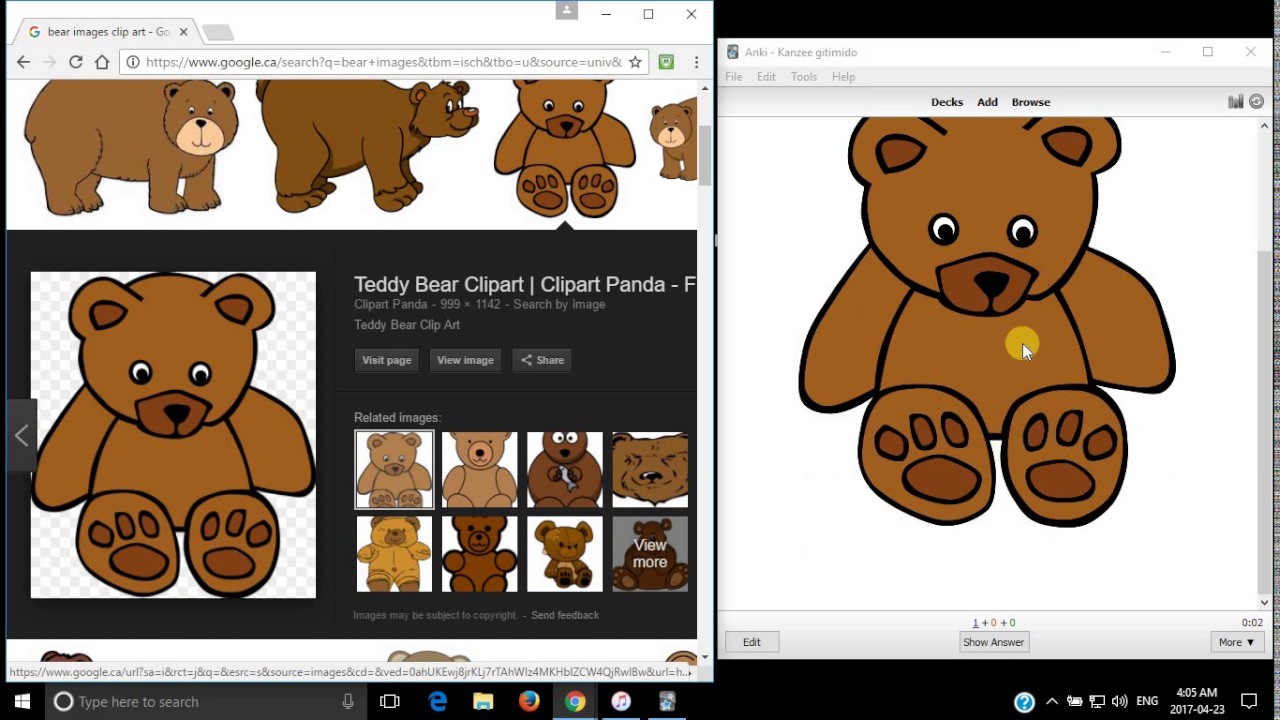
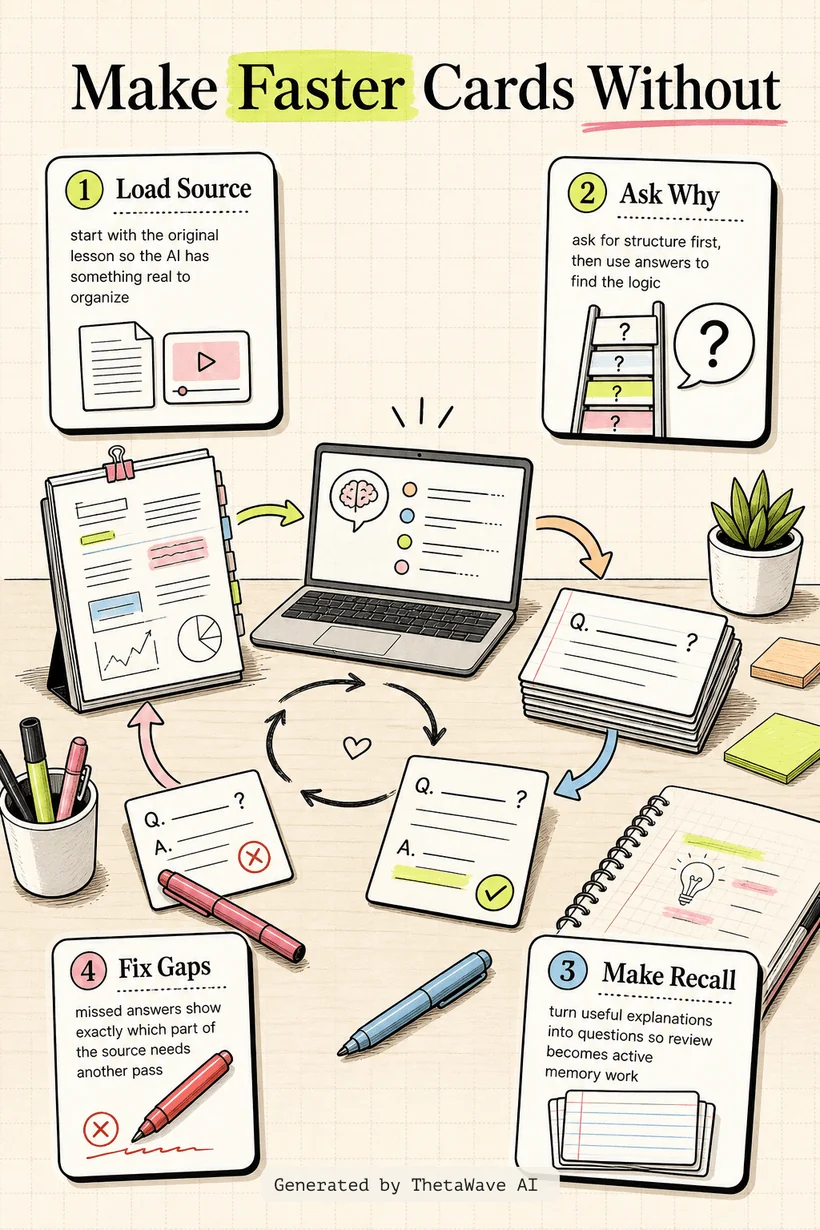
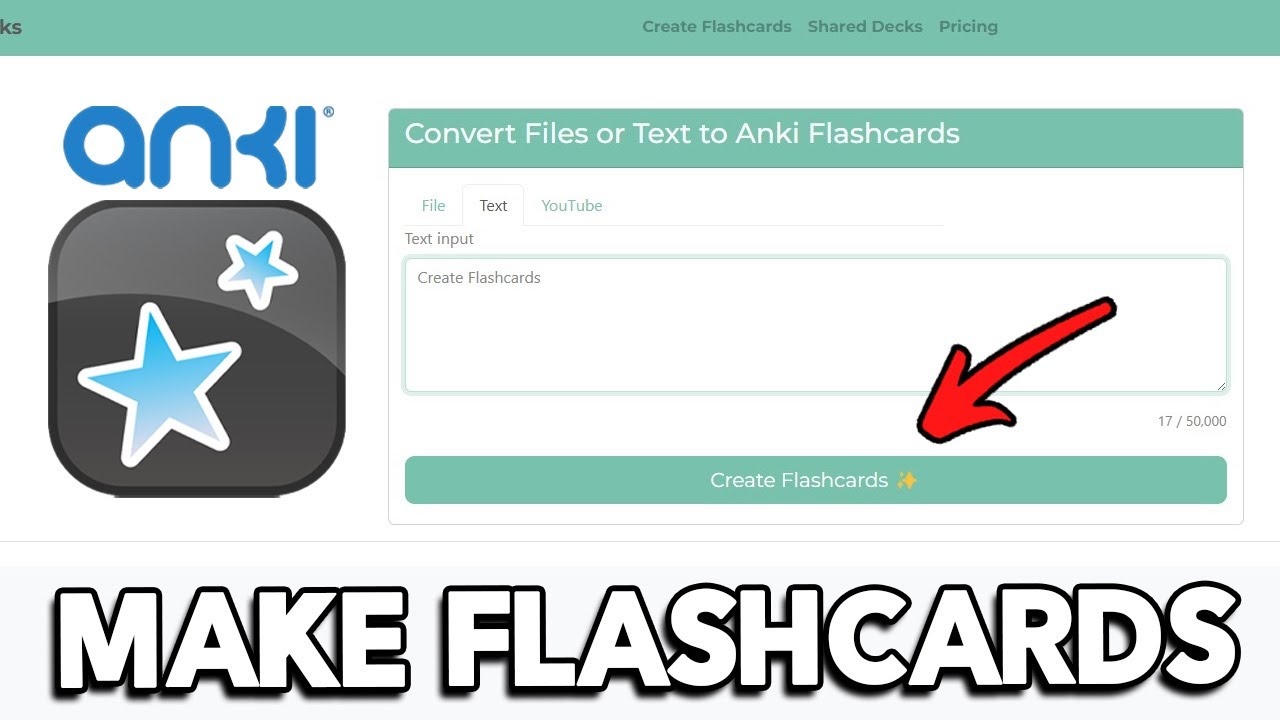
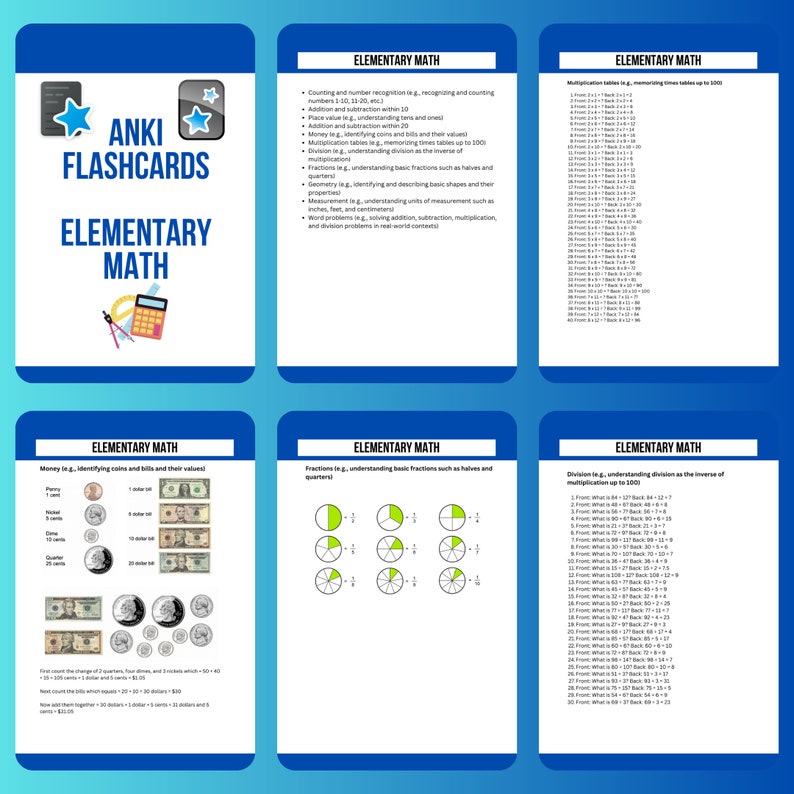
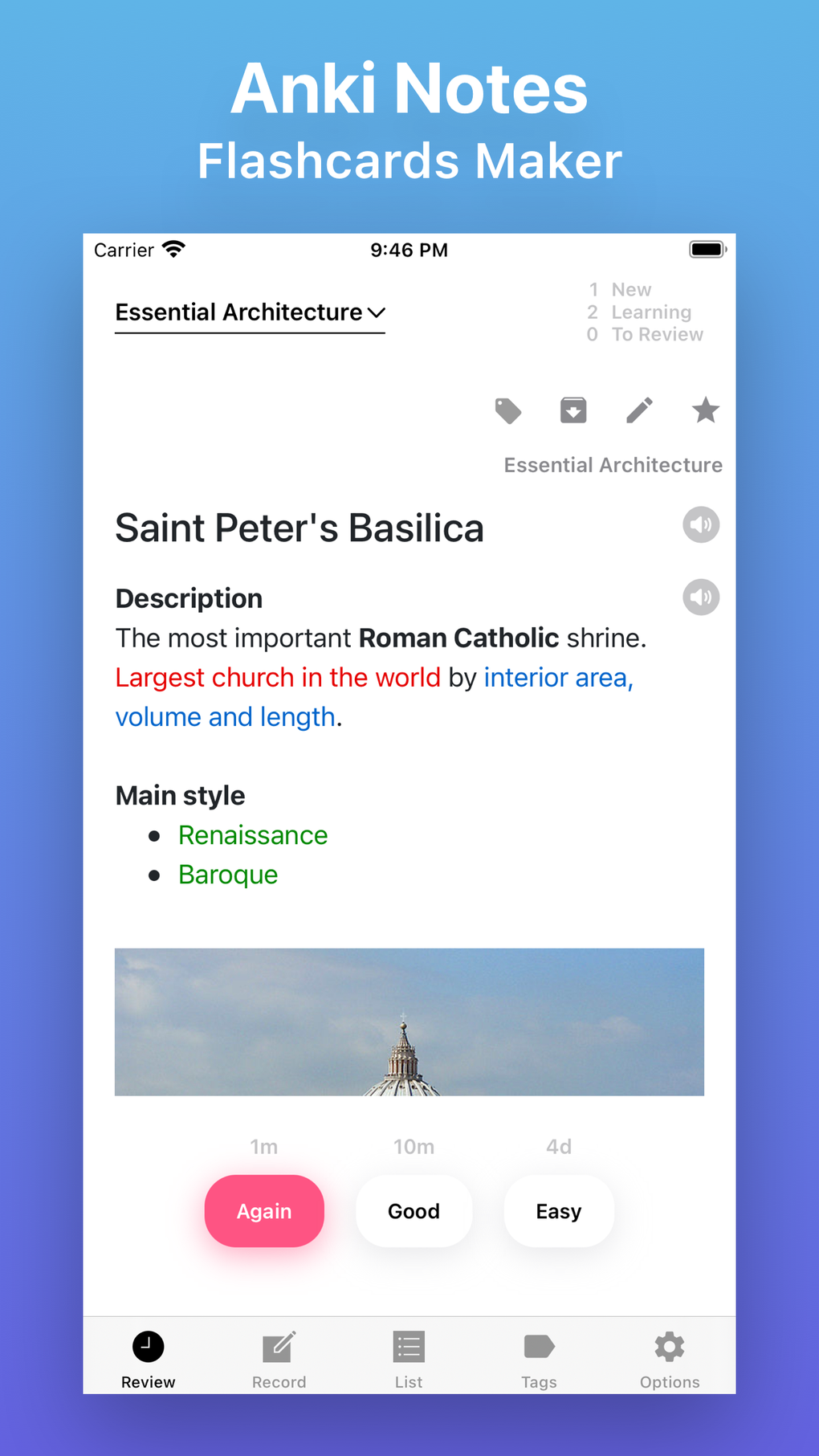
Implementing how to make picture flashcards on Anki requires creating a dedicated custom note type that fields both image files and prompt questions effectively. First, launch the software, open the deck management window, and create a new note type featuring an image field and a target answer field. Drag and drop high-contrast, cropped photographic images directly into the card editor template to ensure clean scaling across desktop and mobile viewing devices. Pair this digital setup with physical printing by exporting reference frames to cardstock, allowing children to transition smoothly from screen-based spaced repetition to tactile drawing exercises.
Common Challenges and How to Avoid Them
Avoiding common technical and pedagogical pitfalls ensures that digital flashcard creation remains an engaging and frustration-free experience for young learners. A frequent error involves uploading overly complex, cluttered photographic images that overwhelm visual processing capabilities; always crop pictures to isolate the primary subject clearly. Another common challenge is neglecting physical hand-eye coordination by keeping learning entirely digital. Educators should consistently bridge screen-based review sessions with hands-on drawing worksheets, ensuring fine-motor skills develop synchronously with cognitive memory milestones.
💬 Frequently Asked Questions
Explore More Free Learning Printables and Visual Activities on WePhotoAgency
Expanding early childhood curricula with structured visual tools enhances both cognitive memory and artistic confidence in young learners. Access hundreds of professional printables, drawing guides, and educational resources by visiting the complete collection at WePhotoAgency.com to support holistic childhood development today.
Visual Reference Gallery