Introduction
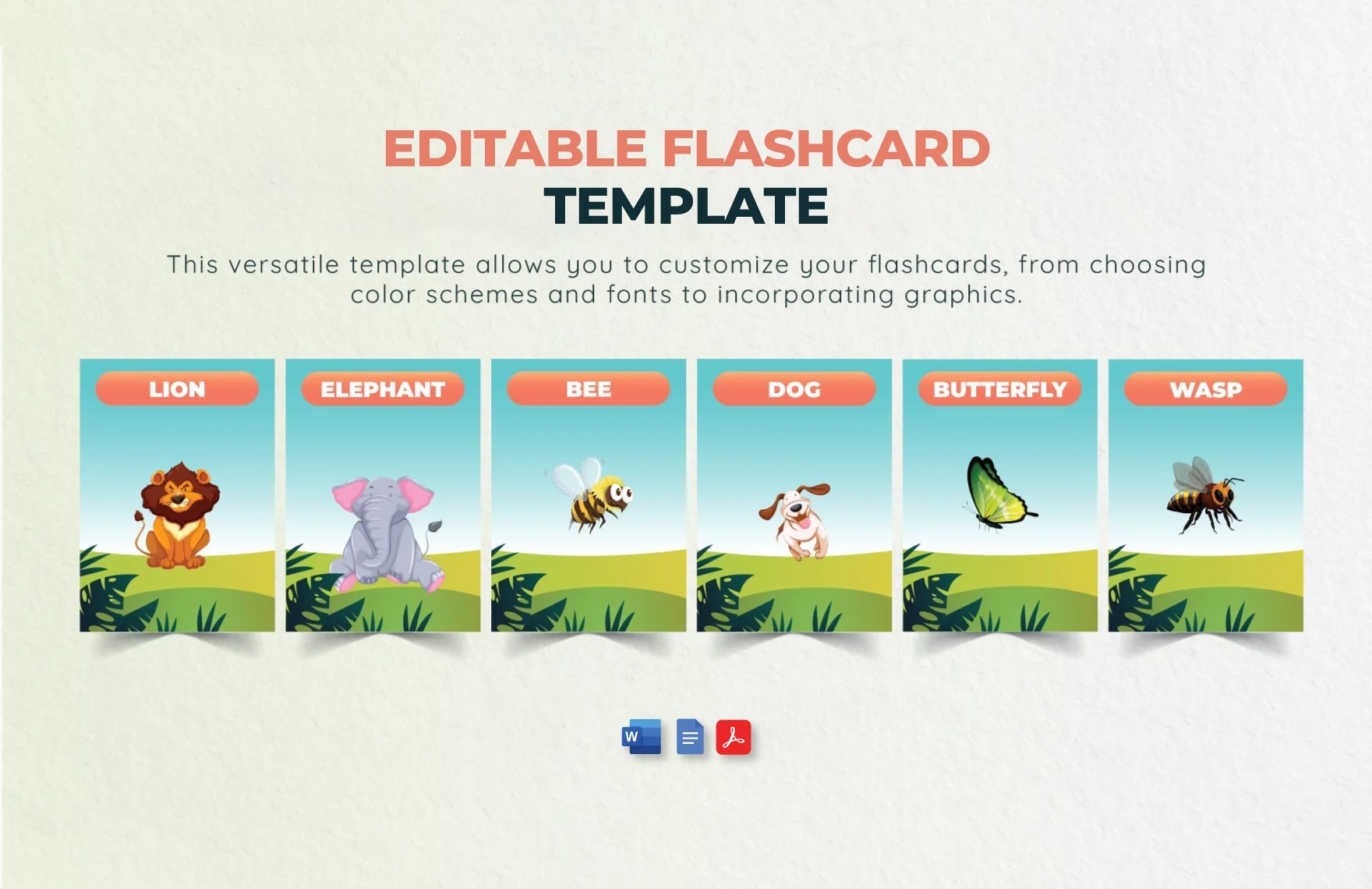
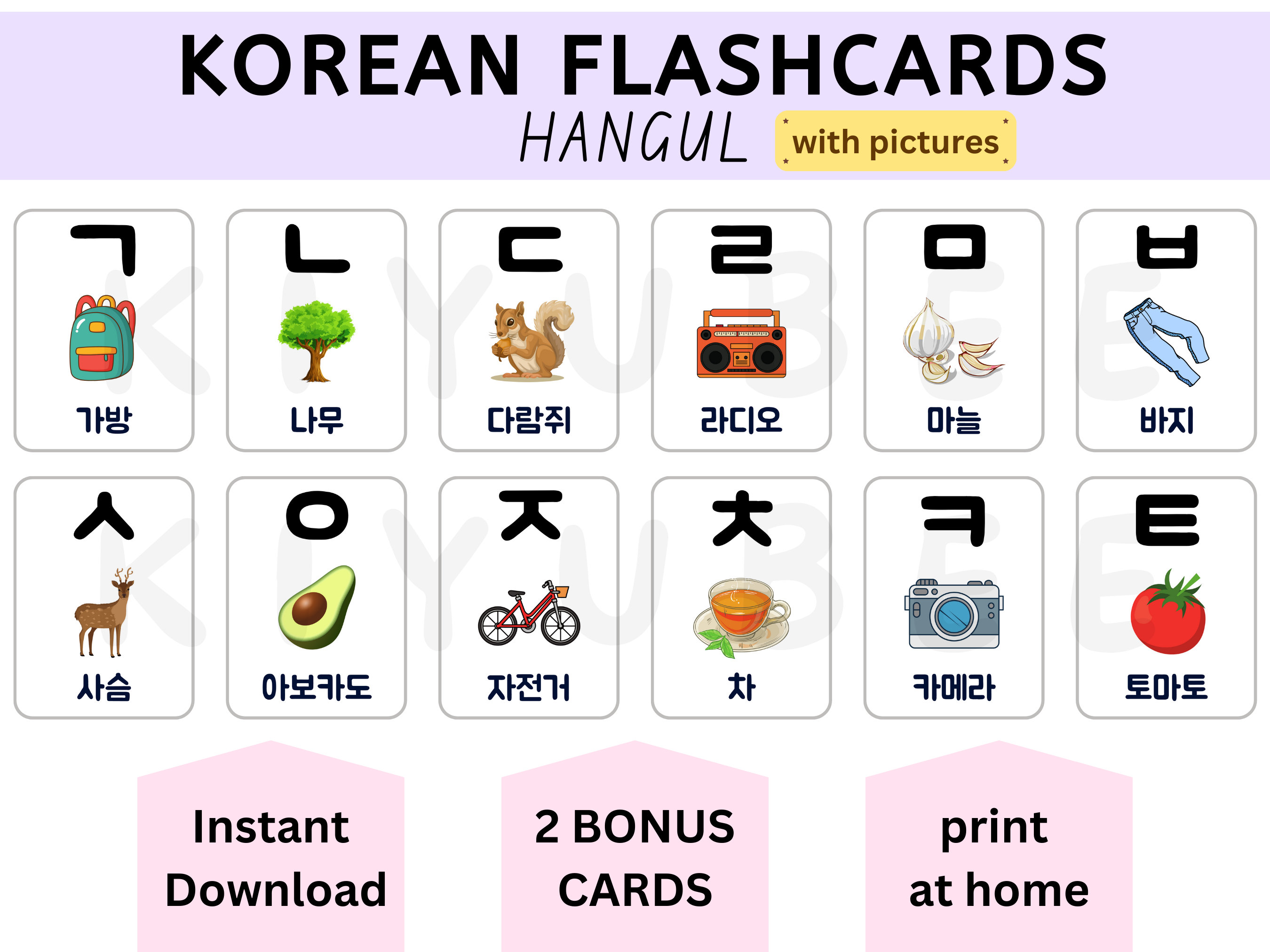
Learning how to make printable flashcards in google docs provides educators, parents, and homeschoolers with a cost-effective, highly customizable method to develop targeted visual learning materials. According to the National Association for the Education of Young Children (NAEYC), intentional integration of concrete, high-contrast imagery significantly strengthens young children’s cognitive organization, spatial memory, and observational accuracy. By leveraging cloud-based word processing tools, instructors can easily design custom-tailored Photo Flashcards that support early childhood concept acquisition. This instructional guide details the structural framework, layout parameters, and pedagogical strategies required to produce professional-grade, tactile educational materials optimized for cognitive development and fine motor engagement.
Visual Learning & Skill Snapshot:
- Core Focus: Utilizing customized grid structures and real photographic assets within document editing software to build tactile learning tools.
- Target Skill: Spatial reasoning, visual discrimination, fine-motor proportion estimation, and real-world observation.
- Key Recommendation: Maintain consistent aspect ratios across cells to ensure seamless alignment during physical cutting and sorting.
Core Principles and Visual Learning Overview
Establishing clear grid systems and utilizing authentic visual references are foundational steps in mastering how to make printable flashcards in google docs for early elementary learners. When children engage with Grid Drawing exercises paired with photographic cards, developing brains actively translate two-dimensional spatial coordinates into physical marks, boosting proportional estimation skills. Document creation tools streamline this process through table insertion functions, allowing educators to define precise cell dimensions, borders, and margins. Incorporating high-resolution real photographs rather than generic clip art engages the ventral stream of the visual cortex, encouraging deeper semantic processing and accurate real-world object recognition.
Key Specifications and Breakdown
| Age / Learning Stage | Visual Skill & Grid Ratio | Pedagogical Application & Scaffolding |
|---|---|---|
| Ages 3 to 4 (Preschool) | 2×2 Grid with large photo cards | Focuses on basic shape recognition, whole-object matching, and foundational fine-motor cutting practice. |
| Ages 5 to 6 (Kindergarten) | 3×3 Grid with proportion lines | Aids in transitional spatial awareness, quadrant identification, and early hand-eye coordination. |
| Ages 7 to 8 (Early Elementary) | 4×4 Complex grid mapping | Strengthens advanced observation, detail isolation, and analytical proportion estimation. |
Intentional visual representation and structured spatial prompts measurably enhance early childhood cognitive processing, fine-motor coordination, and visual-spatial working memory. — National Art Education Association (NAEA)
Step-by-Step Practical Application and Printing Guidelines
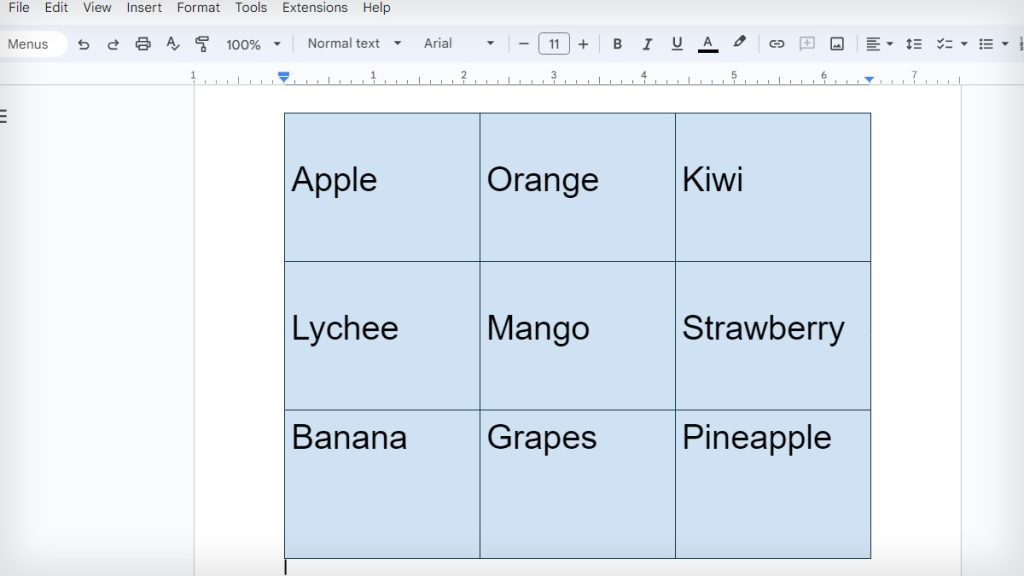
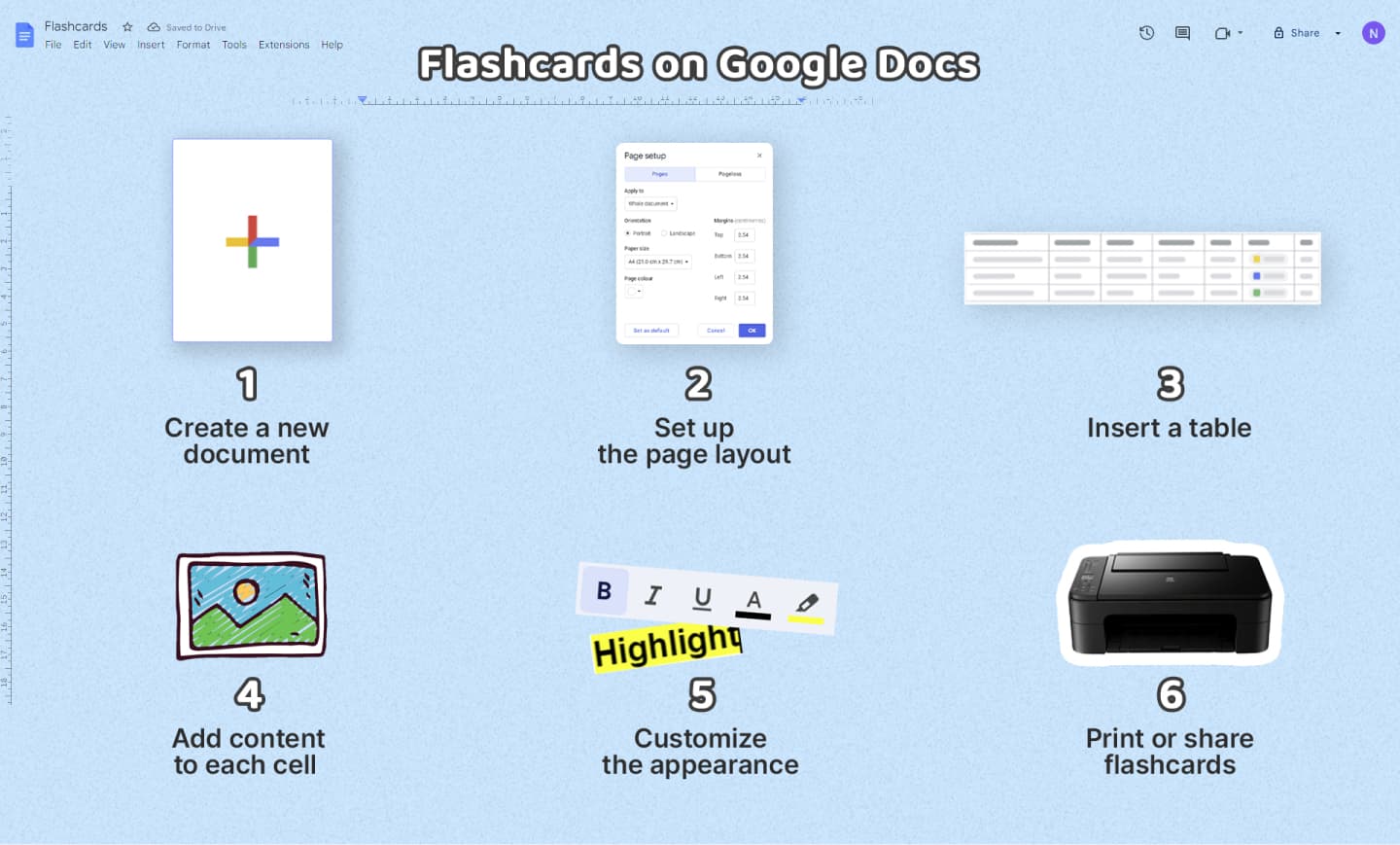
Executing the mechanical setup requires opening a blank document, adjusting page orientation to landscape for optimal horizontal card distribution, and inserting a standardized table structure. To proceed with how to make printable flashcards in google docs efficiently, creators insert a multi-row and multi-column table—such as a two-by-four grid—to establish clean, uniform card boundaries. Cell padding should be adjusted to allow ample white space around each image, preventing visual clutter that can overwhelm young learners. Once the photos and text labels are uploaded into individual cells, adjusting border lines to a dashed style yields guided cutting lines for classroom use, transforming standard digital output into durable, hands-on Educational Activities.
Common Challenges and How to Avoid Them
Preventing layout distortion and image compression requires strict adherence to uniform cell sizing and appropriate image resolution scaling. A frequent error encountered when exploring how to make printable flashcards in google docs involves dragging image corners manually, which introduces asymmetrical proportions that disrupt spatial learning exercises. Educators can bypass this by setting explicit height and width dimensions for table cells prior to inserting visual assets. Furthermore, selecting heavier cardstock paper during the physical printing phase ensures that tactile manipulation does not easily bend or tear the finished learning aids, preserving their utility across multiple classroom sessions.
💬 Frequently Asked Questions
Explore More Free Learning Printables and Visual Activities on WePhotoAgency
Empowering early childhood education requires access to reliable, professionally structured resources that bridge digital design and tactile learning. Discover an extensive library of supplementary teaching tools, creative drawing guides, and visual learning resources by visiting WePhotoAgency.com to support comprehensive cognitive development.
Visual Reference Gallery