
Introduction
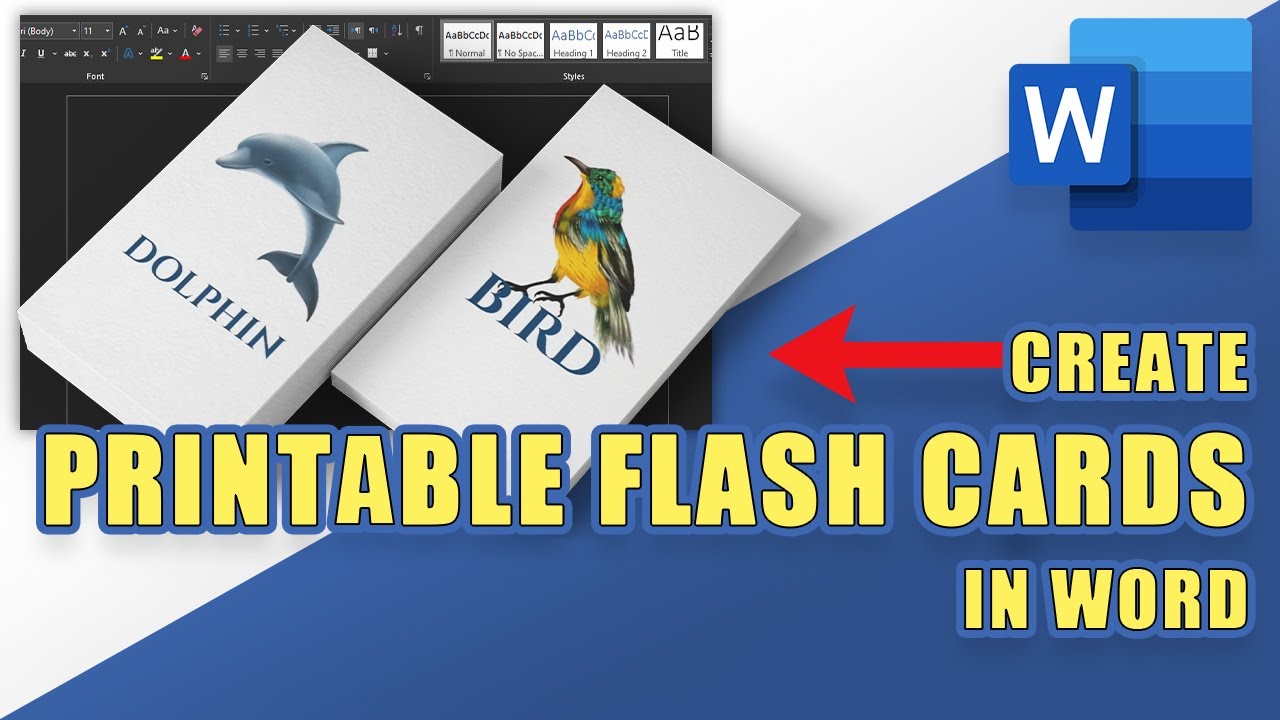
Learning how to create printable flashcards in word requires building a uniform table structure and inserting high-contrast photo references to foster precise spatial awareness and proportion estimation in young learners. According to the National Association for the Education of Young Children (NAEYC), structured visual representation materials significantly enhance cognitive development, spatial reasoning, and observational precision in early childhood education. Integrating real photographic references with systematic Grid Drawing exercises bridges the gap between abstract visual concepts and concrete motor execution. Educators and parents frequently utilize word-processing software to design customizable, multi-card templates that accommodate various skill levels and developmental stages. This methodical approach ensures that learners engage deeply with photographic details while practicing fine-motor coordination and proportional mapping.
Visual Learning & Skill Snapshot:
- Core Focus: Mastering how to create printable flashcards in word using table matrices for precise spatial scaling.
- Target Skill: Spatial reasoning, visual discrimination, fine-motor proportion, and photo-based concept mastery.
- Key Recommendation: Utilize standardized grid dimensions within word-processing borders to maintain consistent proportion ratios across all flashcard iterations.
Core Principles and Visual Learning Overview
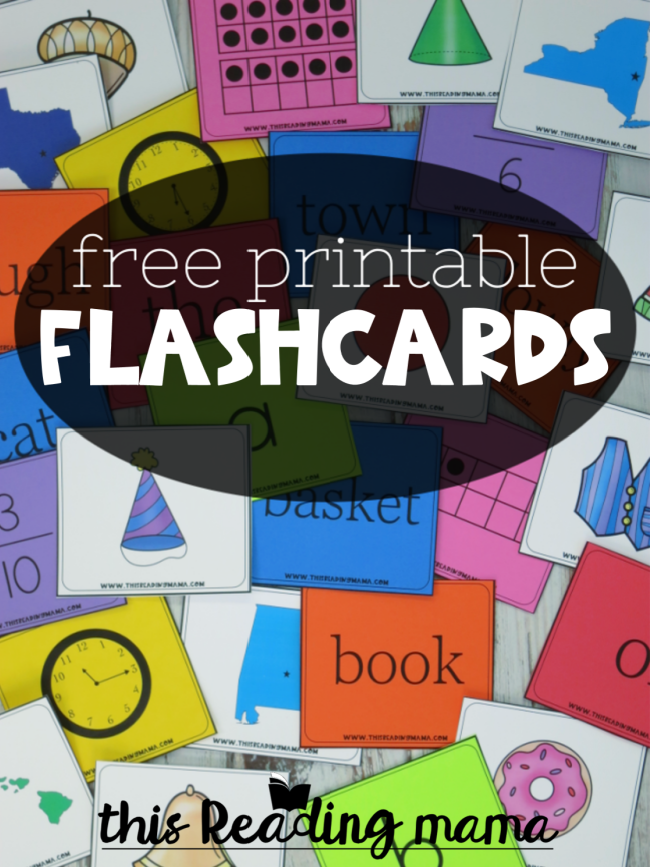
Implementing how to create printable flashcards in word centers on establishing strict visual boundaries through table properties, cell padding adjustments, and high-resolution photo insertion techniques. Children aged four through eight rely heavily on concrete visual cues to decode complex spatial relationships. By combining authentic photographic subjects with structured grid systems, educators provide a scaffolded framework that transforms overwhelming visual stimuli into manageable geometric quadrants. This technique directly supports foundational geometry and cognitive mapping skills, allowing learners to break down whole objects into smaller, renderable sections. Furthermore, pairing these activities with resources from Photo Flashcards collections ensures that children encounter diverse, realistic visual stimuli that enhance memory retention and categorical understanding.
Key Specifications and Breakdown
| Age / Learning Stage | Visual Skill & Grid Ratio | Pedagogical Application & Scaffolding |
|---|---|---|
| Ages 4-5 (Early Explorers) | 2×2 Grid Matrix (Simple Ratios) | Focuses on basic quadrant isolation and matching large real photo features to hand-drawn lines. |
| Ages 6-7 (Developing Observers) | 3×3 Grid Matrix (Moderate Ratios) | Enhances proportion estimation, line continuity, and fine-motor pencil control across varied photo subjects. |
| Ages 8+ (Advanced Beginners) | 4×4 Grid Matrix (Complex Ratios) | Refines intricate spatial awareness, angle calculation, and detailed observational drawing accuracy. |
Visual-spatial training through structured grid systems and real photographic references directly correlates with enhanced geometric comprehension and fine-motor precision in early elementary students. — National Art Education Association (NAEA)
Step-by-Step Practical Application and Printing Guidelines
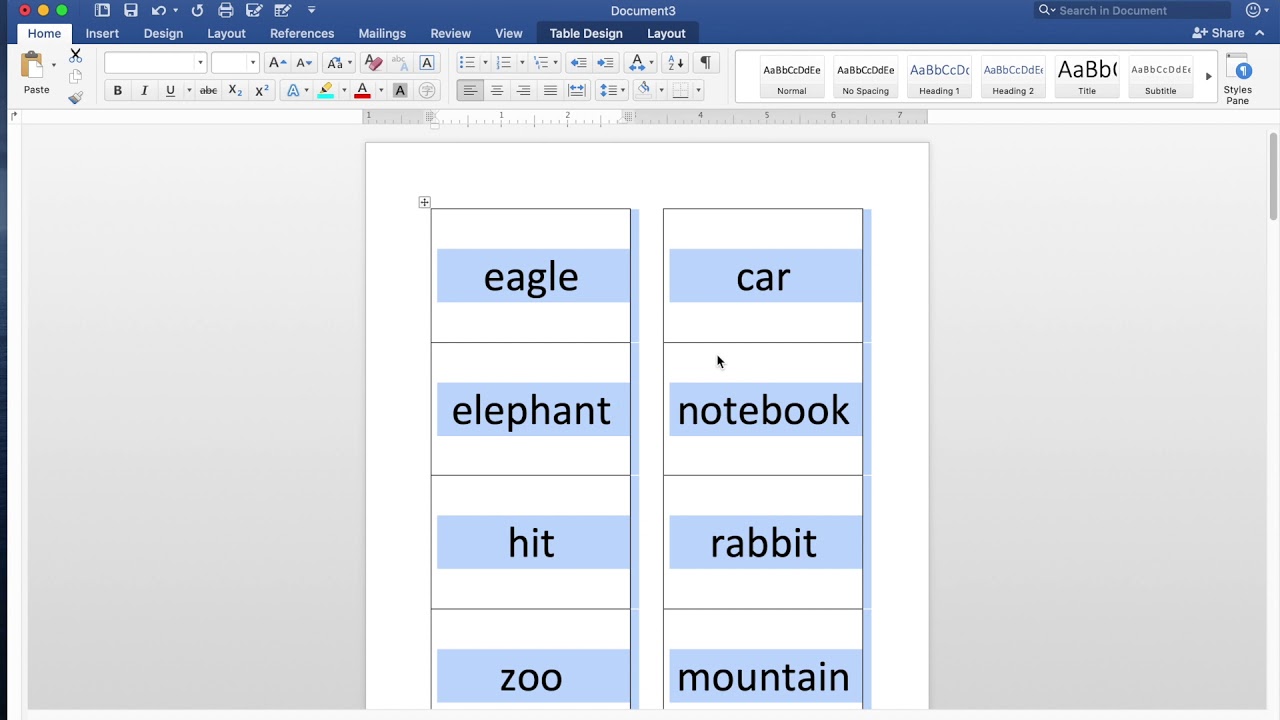
Executing how to create printable flashcards in word begins by opening a blank document, adjusting page margins to half-inch parameters, and inserting a multi-row, multi-column table to serve as the card framework. Users must select the entire table, access table properties, and lock specific cell heights and widths to prevent layout distortion when inserting images. High-resolution photographic files should be inserted directly into individual cells, followed by the application of overlay grid lines using drawing tools or shape inserts. Print settings must be configured to ‘Actual Size’ or ‘100% Scale’ to preserve exact proportional ratios, preventing scaling errors that distort the learning experience. Integrating these customized cards into broader Educational Activities provides children with cohesive, tactile learning loops that reinforce both observation and execution.
Common Challenges and How to Avoid Them
Avoiding layout shifts and blurry images when learning how to create printable flashcards in word involves disabling automatic cell resizing and compressing photo resolutions appropriately within document editing panels. A frequent hurdle encountered by educators is the unintended movement of grid lines when large image files are dropped into standard table cells. To counteract this, users should set text wrapping to ‘In Line with Text’ and manually define exact millimeter dimensions for every grid square. Additionally, educators must ensure that contrast levels on printed photo cards remain high, as muted tones hinder a child’s ability to isolate specific lines and shapes during grid replication exercises.
💬 Frequently Asked Questions
Explore More Free Learning Printables and Visual Activities on WePhotoAgency
Discovering comprehensive educational resources, professional grid templates, and engaging photo materials is effortless by visiting the main hub at WePhotoAgency.com. Educators, parents, and homeschoolers can access an extensive library designed to foster essential visual arts skills, cognitive development, and spatial reasoning through structured, hands-on learning materials.
Visual Reference Gallery