
Introduction
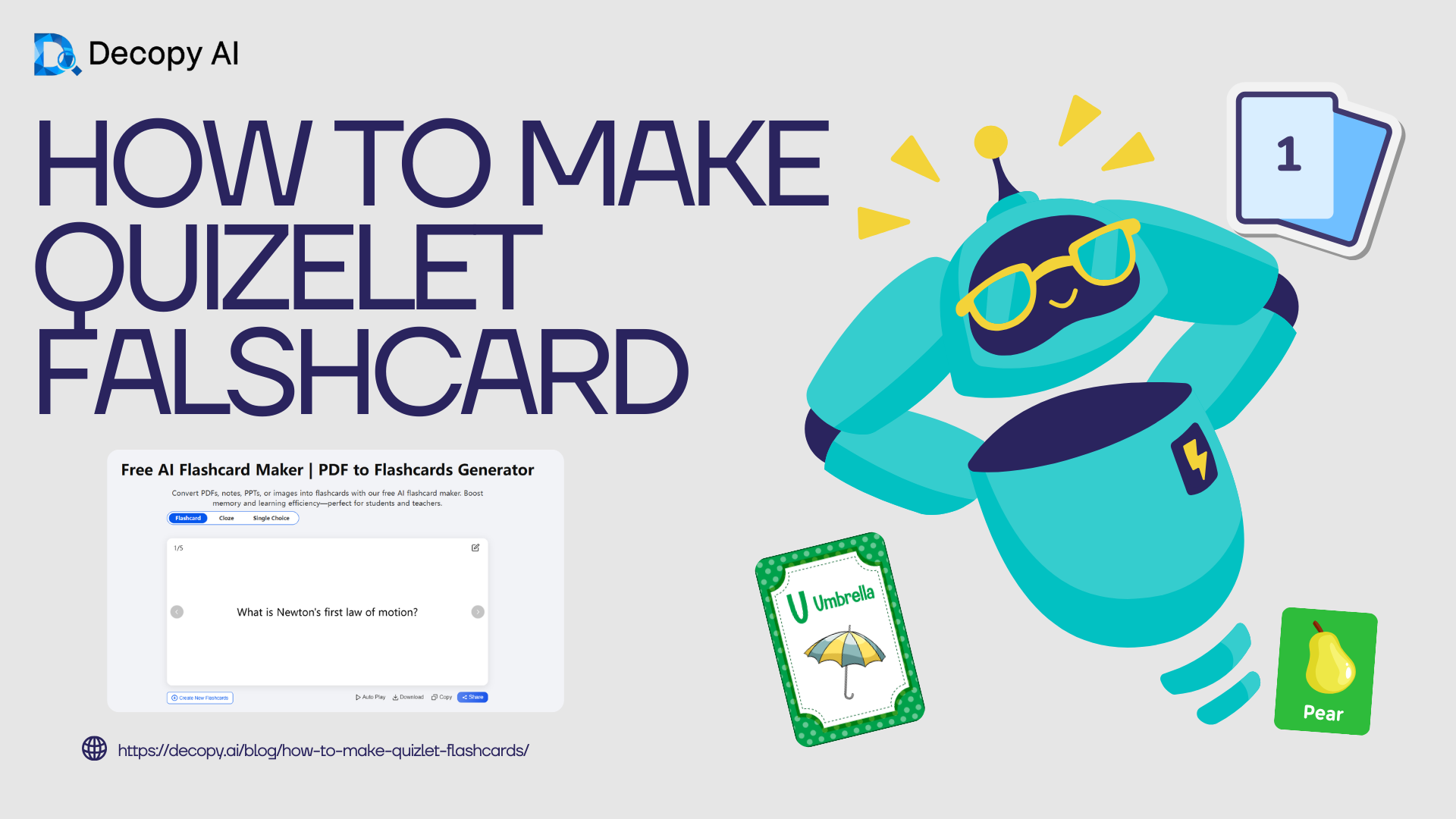
Can you make picture flashcards on Quizlet? Yes, educators and parents can easily create picture-based flashcards on Quizlet by uploading image files to digital study sets, providing a dynamic bridge toward offline hands-on art integration. According to the National Association for the Education of Young Children (NAEYC), multi-sensory visual learning environments fundamentally strengthen cognitive processing, spatial memory, and fine-motor coordination in early elementary students. Integrating digital reference images with tactile Educational Activities anchors abstract concepts into concrete spatial understanding, supporting early learners as they transition from digital prompts to physical creation.
Visual Learning & Skill Snapshot:
- Core Focus: Direct answer on whether can you make picture flashcards on quizlet for image-based visual instruction and structured art drills.
- Target Skill: Spatial reasoning, visual discrimination, fine-motor proportion, and photo-based concept mastery.
- Key Recommendation: Pair digital flashcard reference libraries with high-contrast printed grid worksheets to bridge screen-based recognition and tactile drawing.
Core Principles and Visual Learning Overview
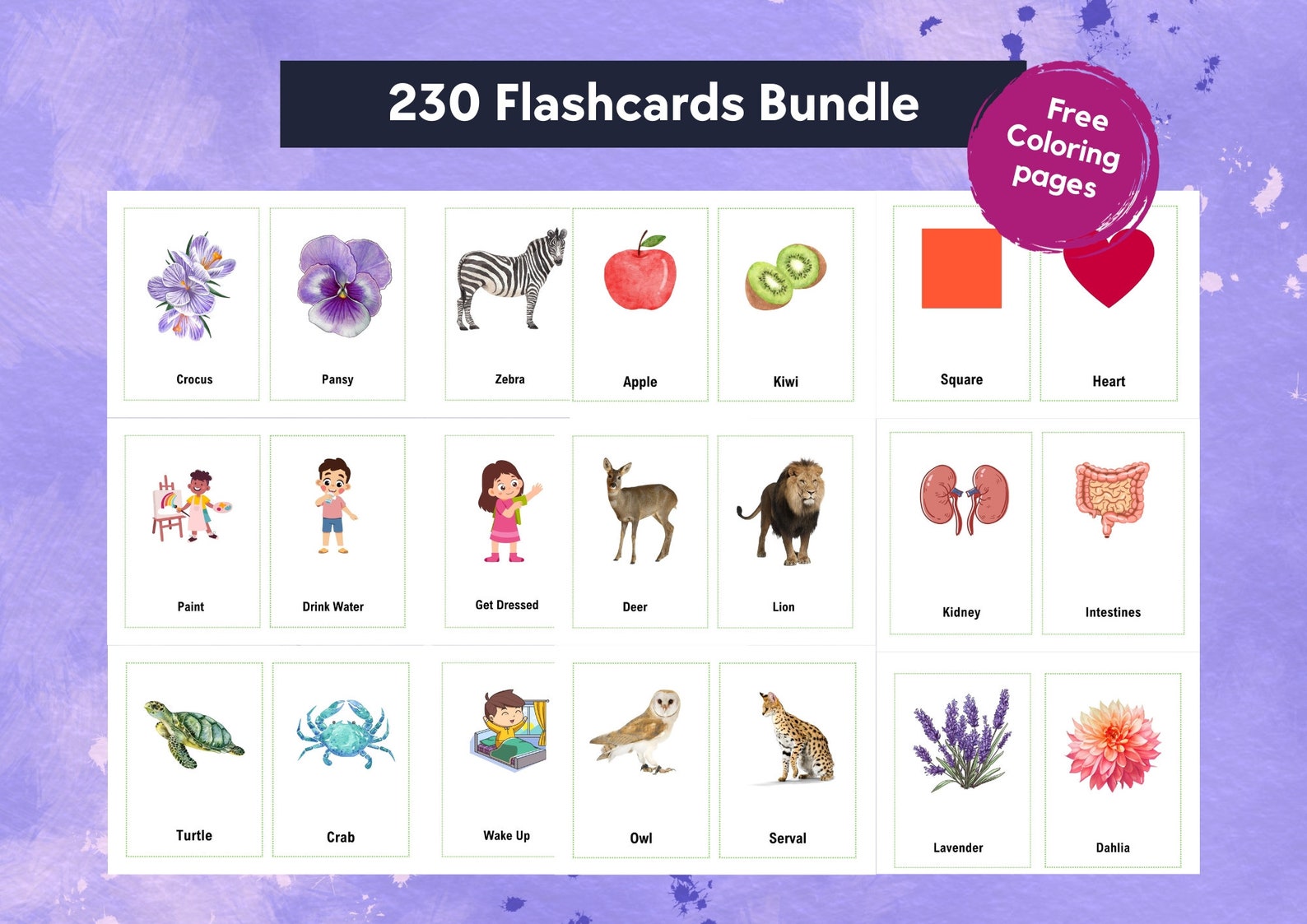
Can you make picture flashcards on Quizlet to drive advanced observation skills and structural proportion estimation? Digital platforms offer robust tools for compiling photo references, but true cognitive retention requires translating those digital images into physical drawing exercises. Utilizing Photo Flashcards alongside structured Grid Drawing worksheets forces the developing brain to analyze negative space, line weight, and relative scale. This dual-modality approach ensures children do not merely memorize digital assets, but actively deconstruct and rebuild visual information through tactile creation.
Key Specifications and Breakdown
| Age / Learning Stage | Visual Skill & Grid Ratio | Pedagogical Application & Scaffolding |
|---|---|---|
| Ages 4–6 (Early Preschool) | 2×2 Grid / High-Contrast Objects | Focuses on basic shape recognition and large motor pencil control using simplified real-world photos. |
| Ages 7–9 (Early Elementary) | 4×4 Grid / Natural Elements | Builds proportion estimation and spatial mapping through detailed botanical and animal imagery. |
| Ages 10–12 (Advanced Primary) | 8×8 Grid / Complex Architecture | Refines intricate observation, precise coordinate mapping, and proportional scaling from photo references. |
Early childhood cognitive development is significantly accelerated when digital visual prompts are directly paired with tactile drawing tasks that require spatial proportion mapping. — National Art Education Association (NAEA)
Step-by-Step Practical Application and Printing Guidelines
Can you make picture flashcards on Quizlet and transition them smoothly into physical print-based drawing lessons? Educators can curate high-resolution photo sets digitally, print matching grid worksheets on heavyweight 110lb cardstock, and distribute them alongside physical drawing pencils for optimal student engagement. Ensuring consistent lighting and high-contrast printing prevents visual fatigue, while standardizing grid cell ratios between the digital flashcard and the printed worksheet eliminates cognitive friction during proportion transfer exercises.
Common Challenges and How to Avoid Them
Can you make picture flashcards on Quizlet without encountering student frustration over complex visual proportions? Young learners frequently struggle when digital image references lack clear grid alignments, leading to distorted drawings on physical worksheets. Educators can prevent this by selecting high-contrast, uncluttered photographic subjects, establishing explicit grid-line coordinates before drawing begins, and scaffolding complex shapes down into basic geometric components.
💬 Frequently Asked Questions
Explore More Free Learning Printables and Visual Activities on WePhotoAgency
Can you make picture flashcards on Quizlet and instantly expand your educational toolkit with complementary resources? Discover an extensive library of professional grid worksheets, real photo cards, and creative pedagogical guides designed for early childhood educators by visiting WePhotoAgency.com today.
Visual Reference Gallery